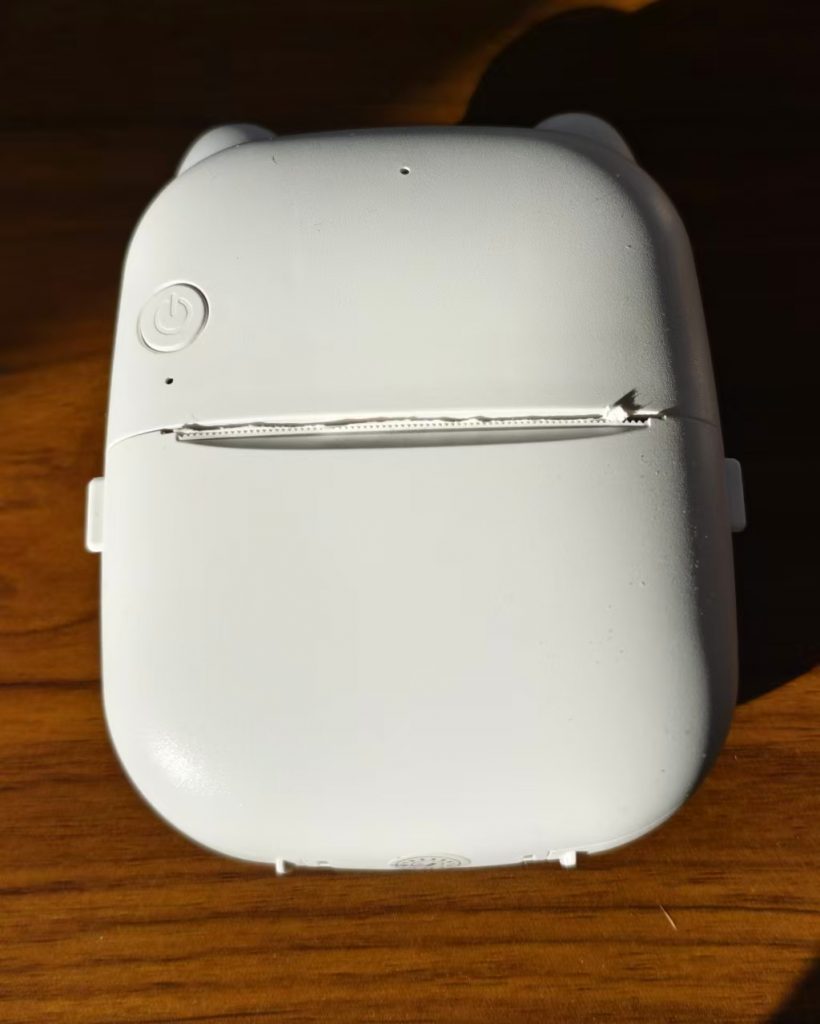
After receiving the device, press and hold the power button for 3 seconds to turn it on.
Once powered on, quickly press the power button twice in succession to print a QR code for the test page. Scan the QR code with your phone to download the app.
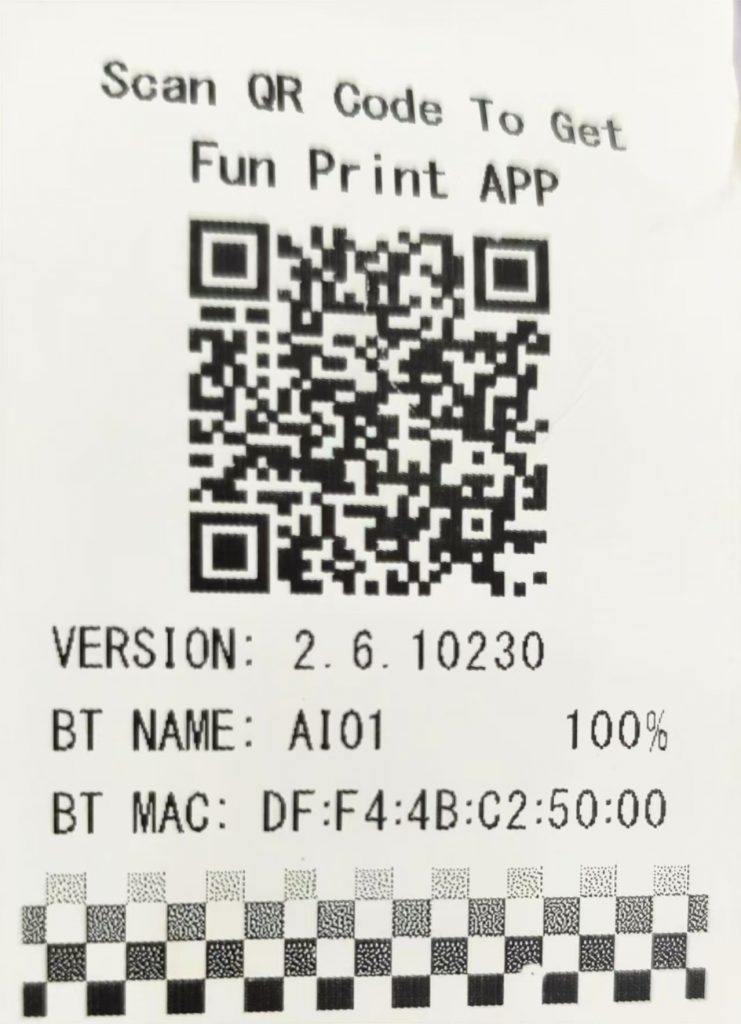
Other download methods:
For Android phones, search for “Fun Print” on Google Play to download;
For iPhones, search for “Fun Print” in theApp Store to download.