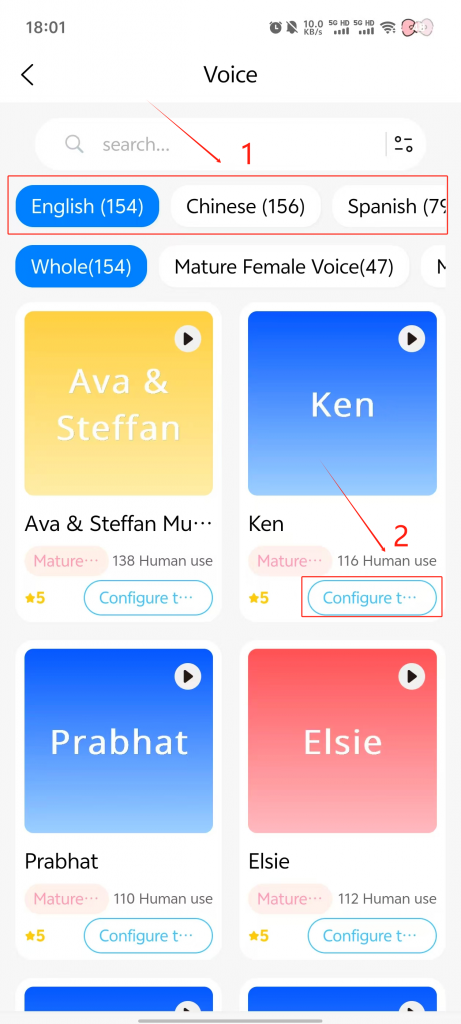
Scenario:
When you have enabled the 【Switch Voice】 feature in the function list but it fails to work.
Reason:
Voice switching cannot perform cross-language changes. For example:
Current voice is English Voice A → Say command → Switch to Russian Voice B → Result = Fails → Because Voice A does not support Russian → Therefore, switching is impossible.
Recommendation:
When switching to a voice for a specific language, to prevent disrupting your experience, we recommend directly accessing the 【Voice Settings】 in the app to make the change.