Scenario:
When you’re at home connected to your home WiFi, but then take your device outdoors to play with your child and it prompts “Please use the app to configure the network.”
Reason:
You’ve moved away from your home WiFi and the connection has been lost. You now need to reconfigure the network.
Solution:
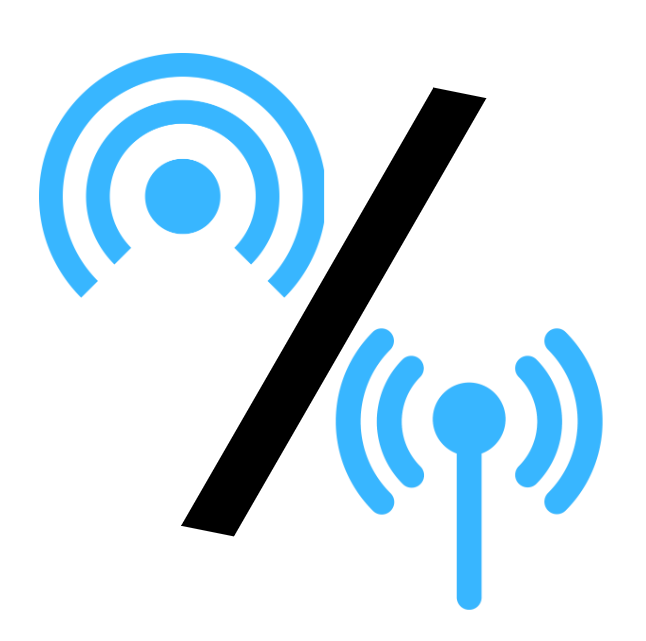
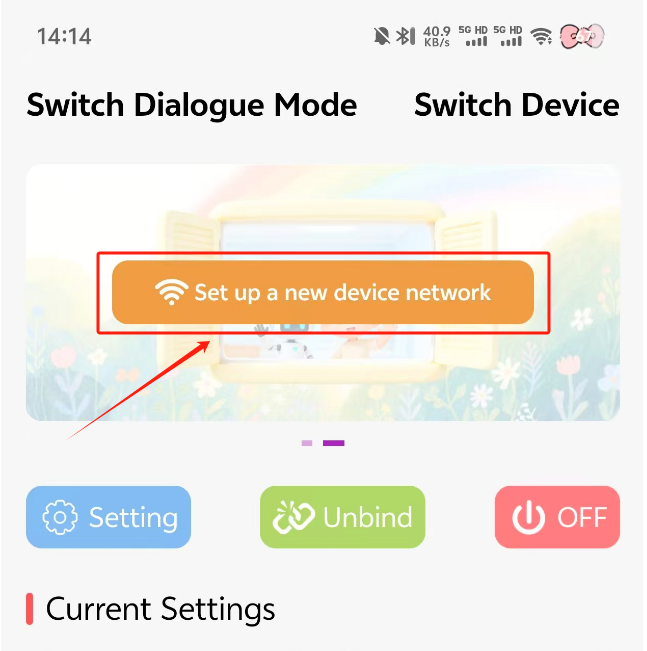
Enable your phone’s hotspot → Select 【Set Up New Device Network】 in the app → Enter your phone hotspot’s WiFi name and password to use it outdoors.
Note:
If your iPhone hotspot fails to configure, go to Settings → Hotspot → Enable 【Maximum Compatibility】. Without this setting, the device uses 5G networks and cannot complete configuration.