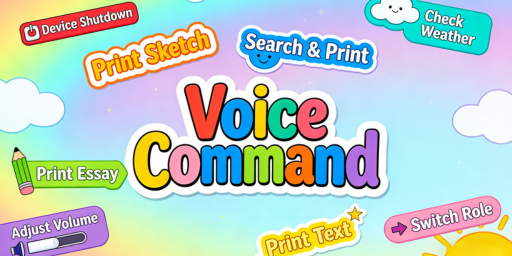
When connected to the network and in 【Long-Press Dialogue】 mode:
① Long-press the power button and say the command “Shut down immediately.”
② The device will automatically shut down after 10 minutes of inactivity.
When connected to the internet and in 【Single-Session Dialogue】 mode:
① Press and hold the power button for 3 seconds to shut down.
② Press the power button once and say the command “Shut down immediately.”
③ The device will automatically shut down after 10 minutes of inactivity.