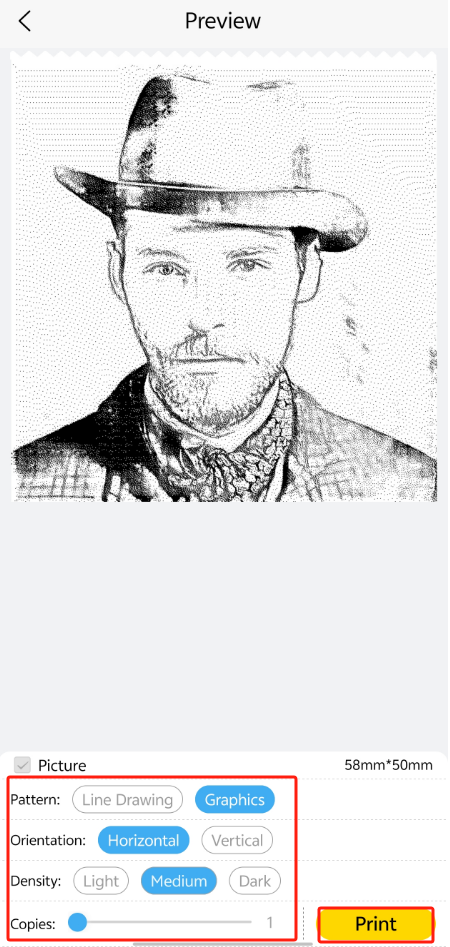
Line Drawing can be quickly generated from photos through artificial intelligence, with support for multiple styles and adjustable details.
Here are the steps:
1.On the AI page, click on [Line Drawing].
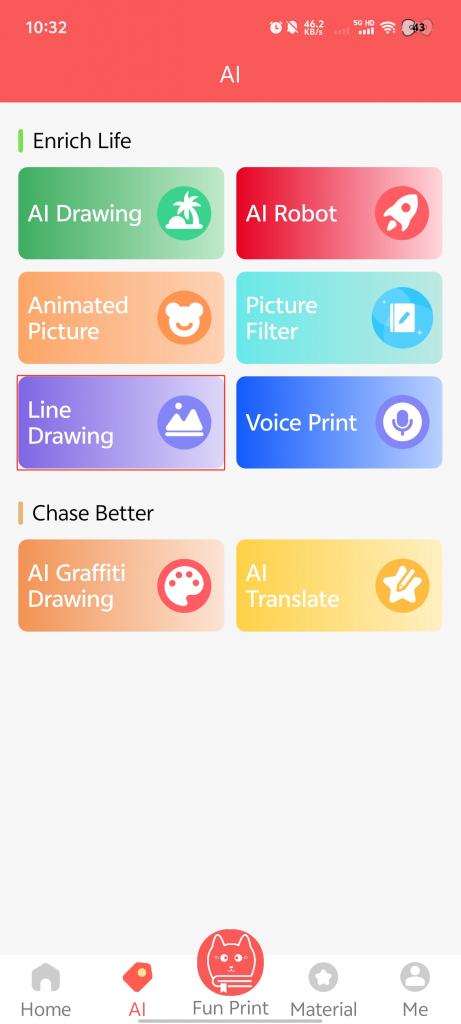
2.Click on the [Album] or [Camera] icon.
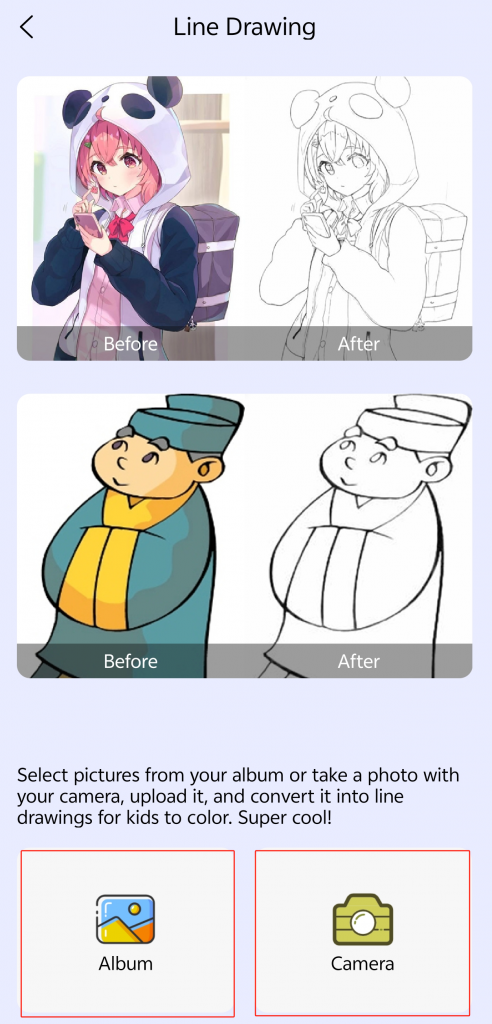
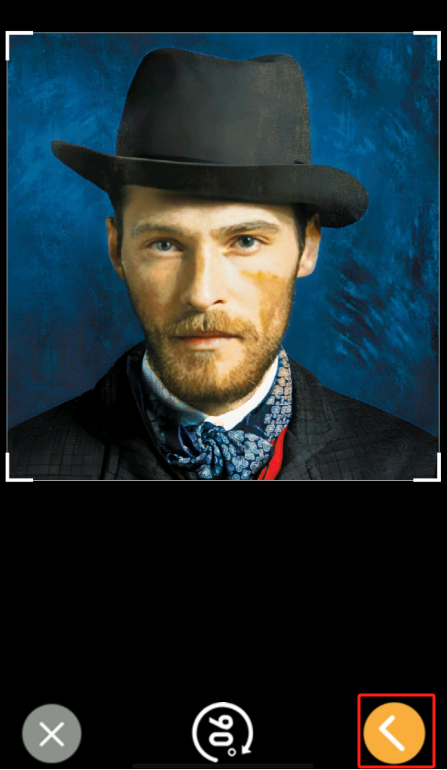
3.Select a photo or take a photo, then click [√] → instantly generate a high-definition line drawing.
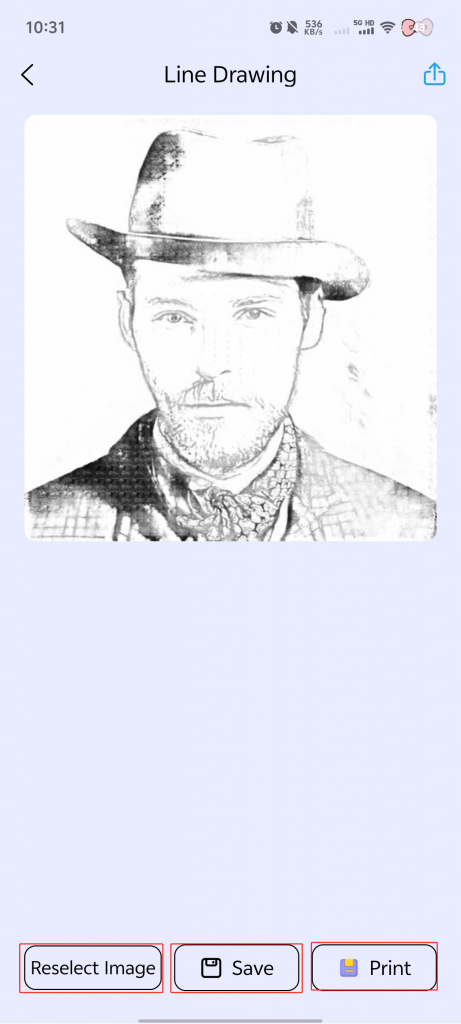
4.You can click on [Re-select Image] to continue exploring.
5.You can click on [Save] to save it to your photo album for easy sharing and communication.
6.You can click on [Print] to transform the generated image into a clear physical printout.