Photo printing can be realized by printing the pictures taken at the scene or in the gallery and transforming them into physical form, providing users with visual records that can be touched and displayed to meet the diversified needs of collection, sharing and decoration.
The procedure is as follows:
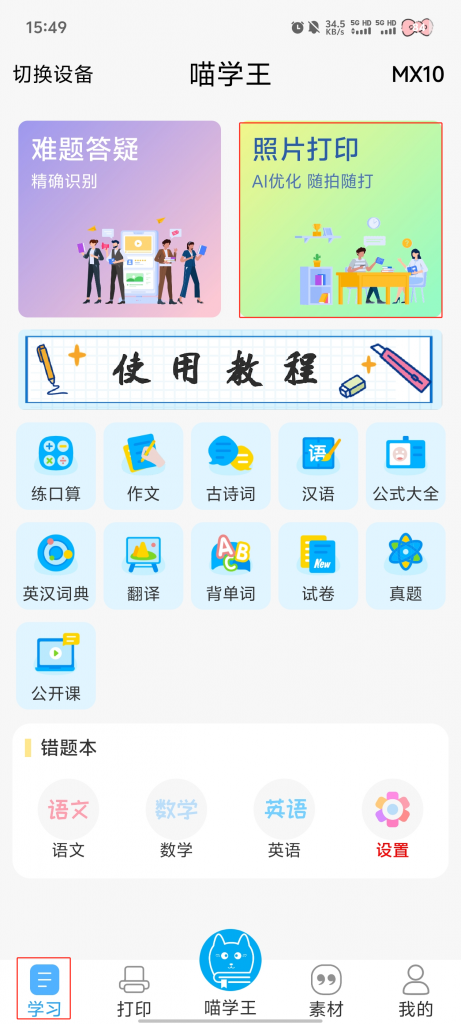
1. Click 【Photo Print】 on the study page.
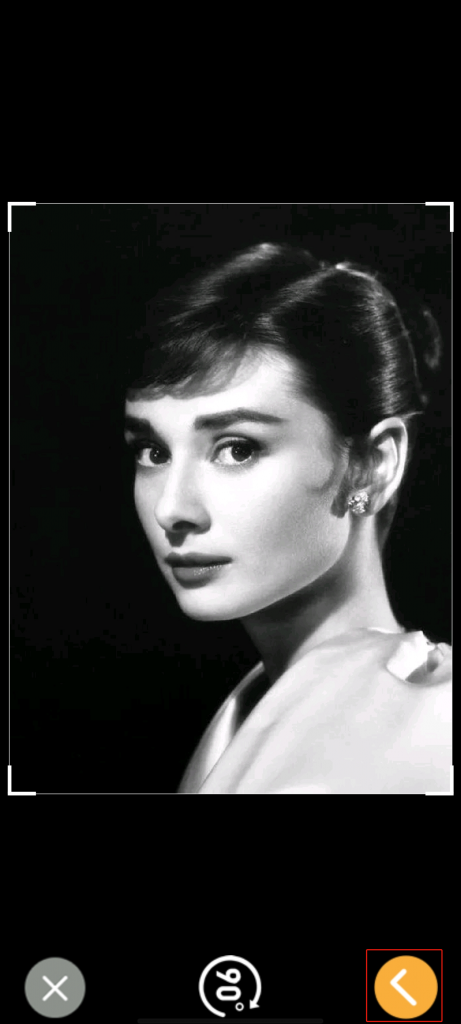
2. Take a picture of the target on the spot → Adjust the size and click the 【√】 button.
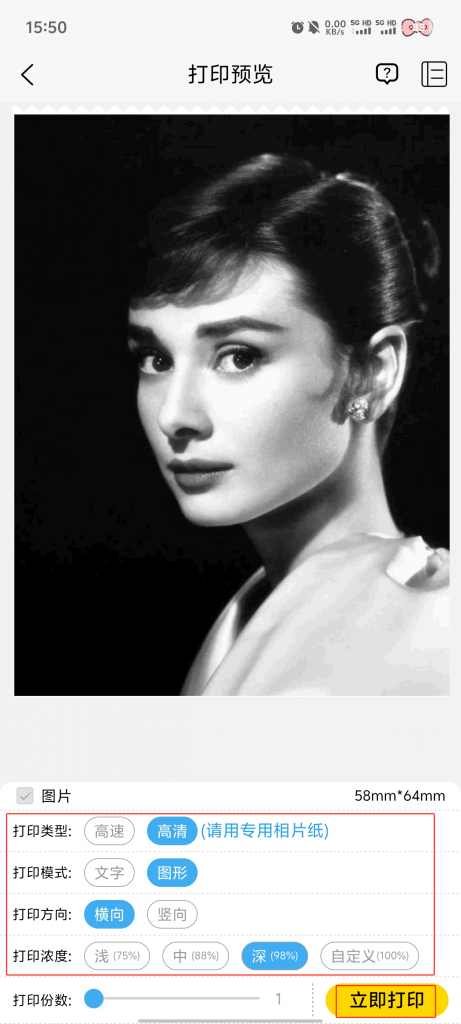
3. Click 【Print】.
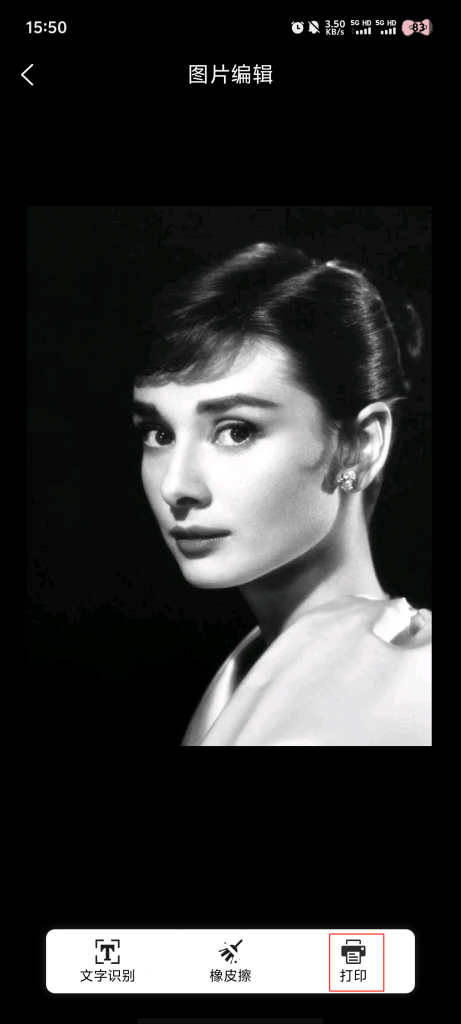
4. Make customized adjustments→ Click 【Print】 → Finish Printing