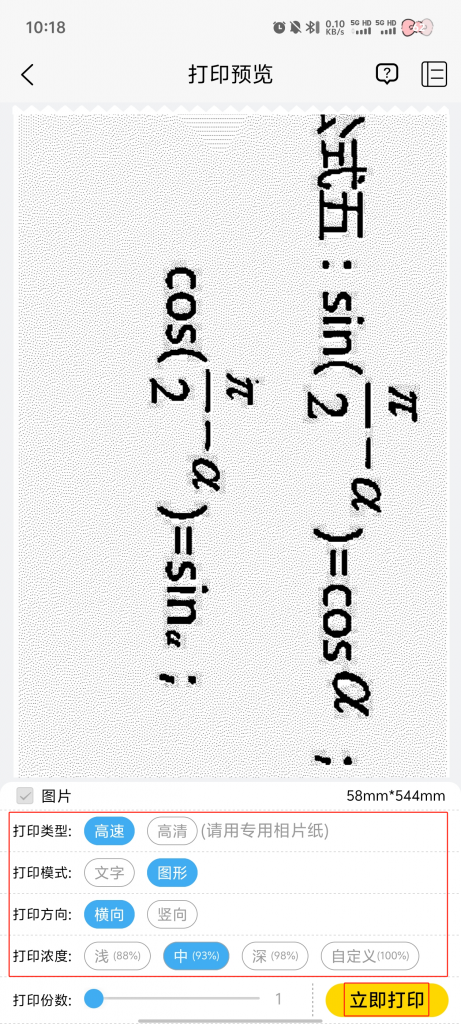
Big Picture Split can help users quickly split large-size pictures into multiple small pieces, which is convenient for users to view and print in different devices or scenes, and improve the efficiency of picture processing.
The procedure is as follows:
1. Click on 【Large Split】 on the print page.
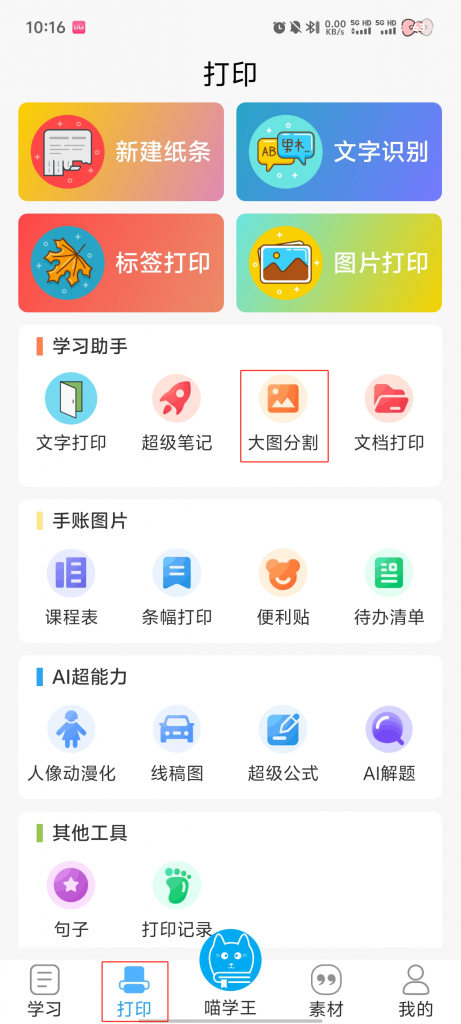
2. Select the picture you want to split→ Click 【Finish】.
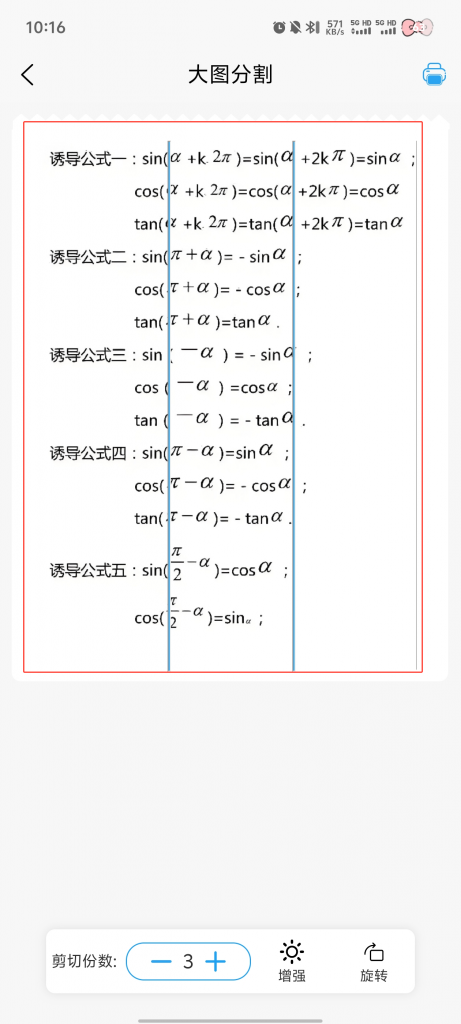
3. At the bottom of the page, select 【Cut Number of Copies】→ You can also adjust 【Enhancement】 and 【Rotation】.
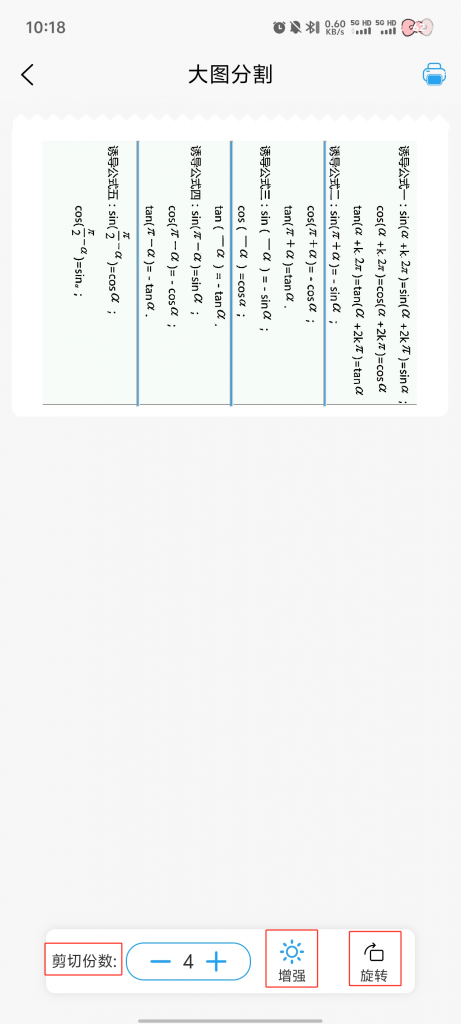
4. Click the 【Print】 icon
5. Customize the adjustment → Click 【Print】 → Finish Printing