Text recognition can quickly and efficiently convert paper documents or physical text content into electronic text, realizing digital storage, retrieval, editing and sharing of information, greatly improving work efficiency and the convenience of information management.
The procedure is as follows:
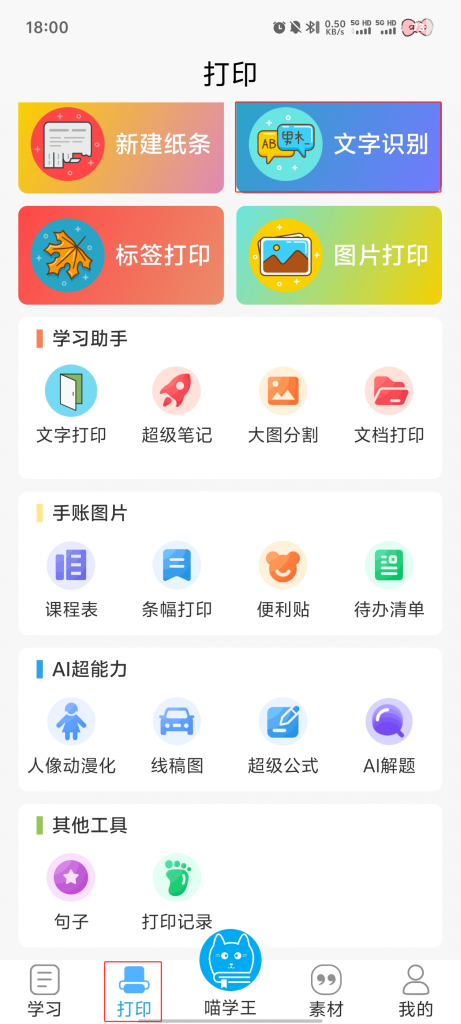
1. Click 【Text Recognition】 on the print page.
2. Click the 【+】 button below 【Text Recognition】.
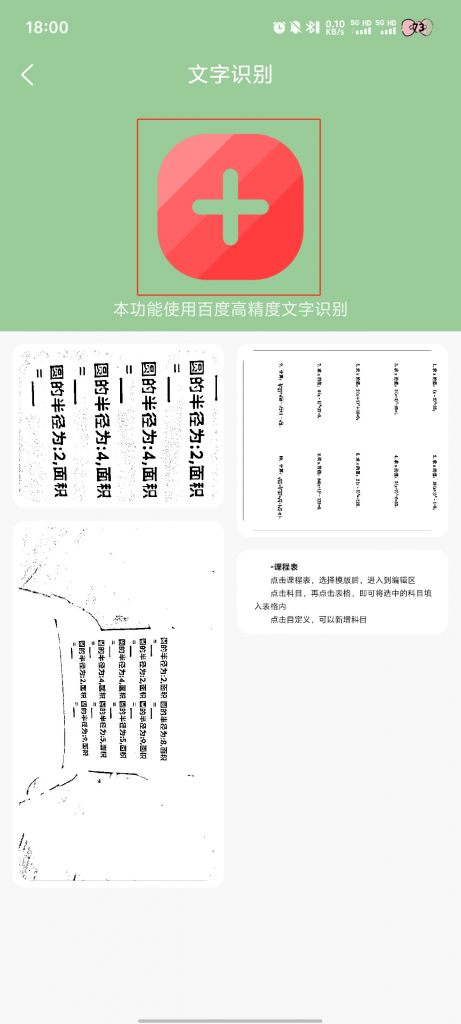
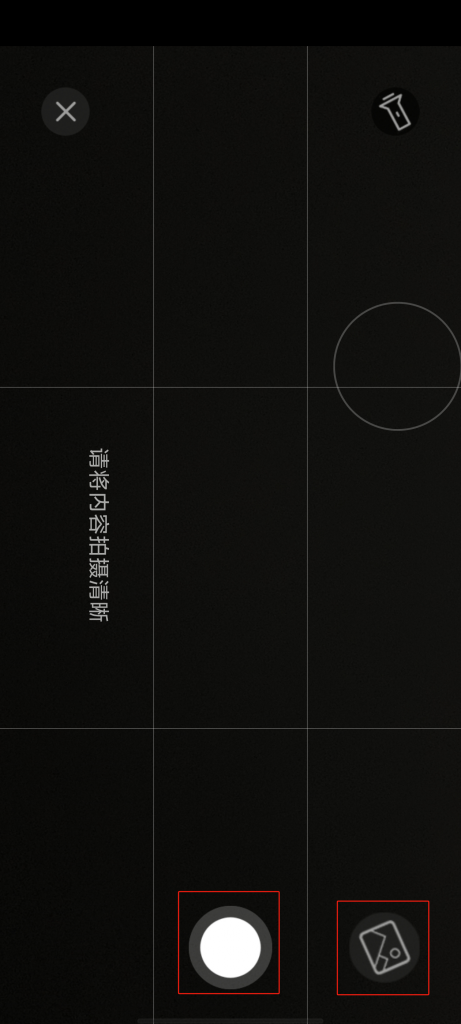
3. Conduct on-site photo shoots or select from the gallery
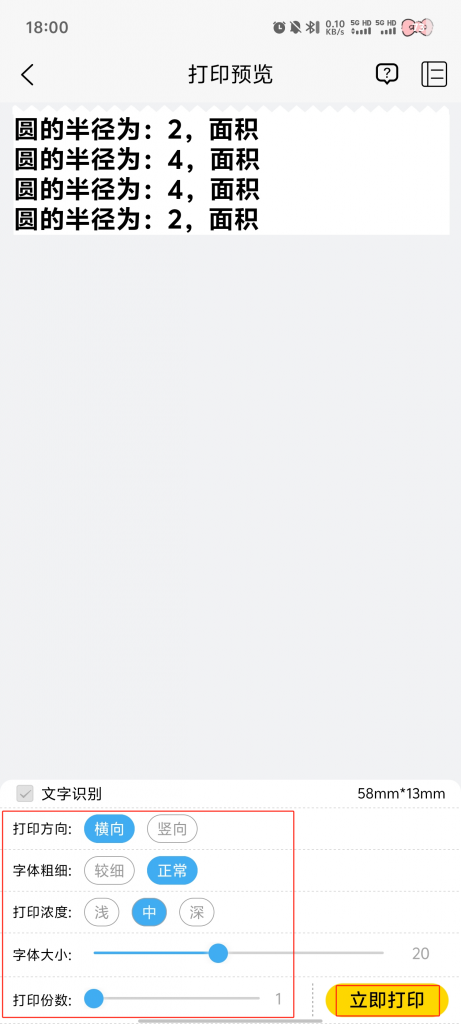
4. Adjust the size, direction, click 【√】
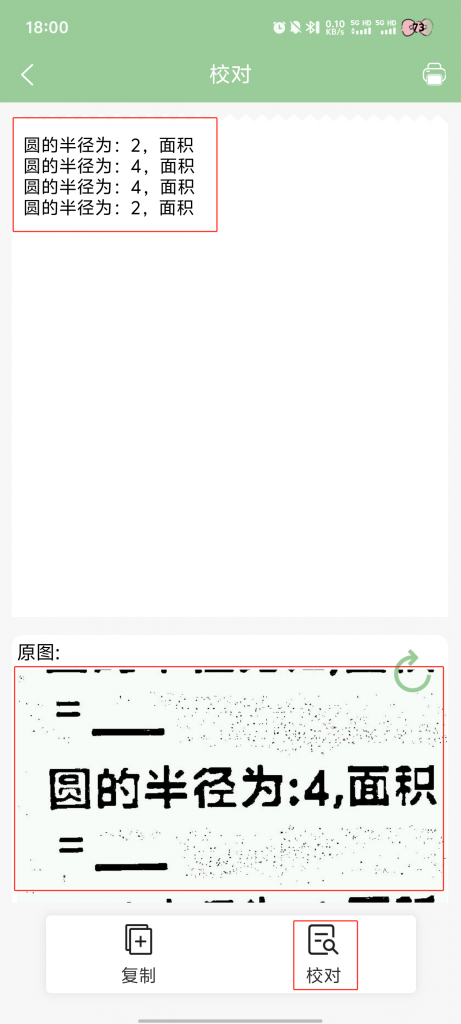
5. Click 【proofreading】 picture content can appear with the identification of the contents of the comparison → confirmation can be based on the need to click 【copy】 paste identification results
6. Click the 【Print】 icon